How to Optimize Your Online Presence: A Small Business Checklist
Your online presence is more than just your website — it's every place a potential customer can find, evaluate, and contact your business on the internet. In 2026, that footprint spans traditional search engines, AI-powered tools like ChatGPT and Gemini, Google Maps, social platforms, review sites, and more. The good news? Most small businesses are leaving easy wins on the table, which means even a few focused improvements can make a real difference.
This checklist is designed to help you audit and optimize your online presence across the areas that matter most. Work through it section by section — you don't need to do everything at once. Even checking off a few items from each category will put you ahead of most of your competitors.
1. Your Website: The Foundation of Everything
Your website is the hub of your online presence. Everything else — social media, Google Business Profile, ads — should point back to it. If your website isn't performing, the rest of your efforts are working uphill.
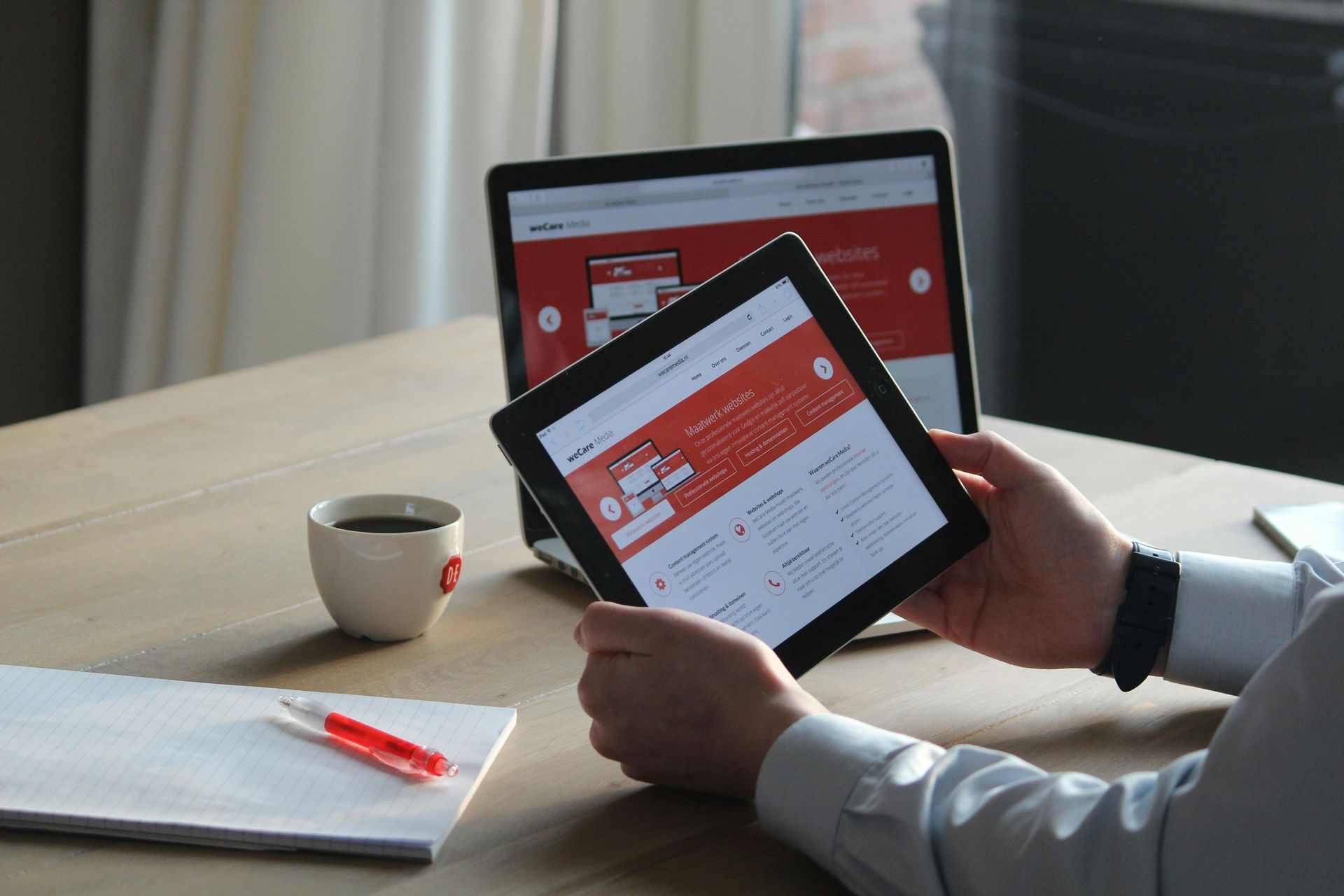
✅ Make sure your website is mobile-first and fully responsive. More than half of all web traffic comes from phones. Your site should look great and load fast on every screen size. Test it yourself on your phone right now — if it's hard to navigate, your visitors are leaving.
✅ Check your page speed. Use a free tool like Google PageSpeed Insights (pagespeed.web.dev) to see how quickly your site loads. Aim for a score above 80 on mobile. Slow sites lose visitors before they even see your content — and Google ranks them lower too.
✅ Make sure your site has SSL (the padlock in the browser). If your website URL starts with "http" instead of "https," your site is flagged as not secure by modern browsers. This drives visitors away and hurts your search rankings. Your hosting provider can enable SSL, often at no extra cost.
✅ Audit your homepage copy. Within five seconds of landing on your homepage, a visitor should know: who you are, what you do, who you serve, and what they should do next. If your headline is vague or your call-to-action is buried, rewrite it. Clarity converts.
✅ Make your contact information easy to find. Your phone number, email address, and location (if applicable) should be visible on your homepage and in your site header or footer. Don't make people hunt for how to reach you.
✅ Include a clear call-to-action on every page. What do you want visitors to do — book a call, request a quote, make a purchase, fill out a form? Every page should make that next step obvious.
✅ Check for broken links and outdated content. Broken links frustrate visitors and hurt your SEO. Do a quick walk-through of your site and fix anything that's outdated — old hours, discontinued services, or events that have already passed.
✅ Make sure your website is WCAG AA accessible. Web accessibility standards (WCAG AA) ensure your site is usable by people with disabilities — including those who use screen readers or rely on keyboard navigation. Beyond being the right thing to do, accessible websites rank better in search and help protect your business from accessibility-related legal risk. This includes things like sufficient color contrast, alt text on images, and proper heading structure.
✅ Ensure your site is compliant with US state privacy laws. If you collect any data from website visitors — even just an email address — you may be subject to state privacy regulations. Your site should have a privacy policy, and if you use cookies or tracking tools, you may need a cookie consent mechanism. This is increasingly enforced, and the rules vary by state.
2. SEO: Getting Found on Google
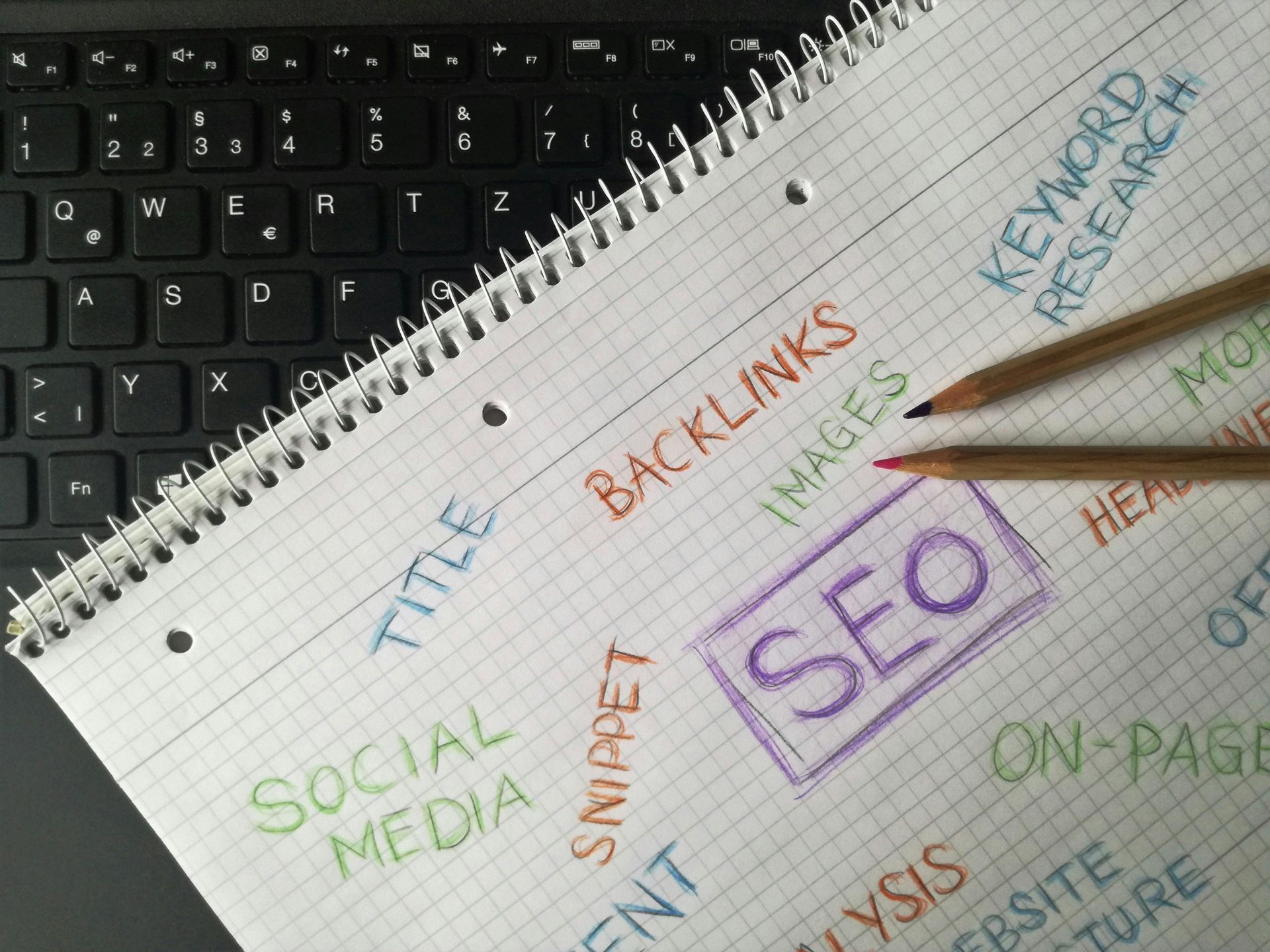
Search engine optimization (SEO) is how you show up when people search for what you offer. You don't need to be an expert — but you do need to cover the basics.
✅ Choose 3–5 target keywords for each page. Think about what your ideal customer would type into Google to find you. For example: "wedding photographer Denver," "custom cakes San Diego," or "small business bookkeeper Chicago." Use those phrases naturally in your page titles, headings, and body copy.
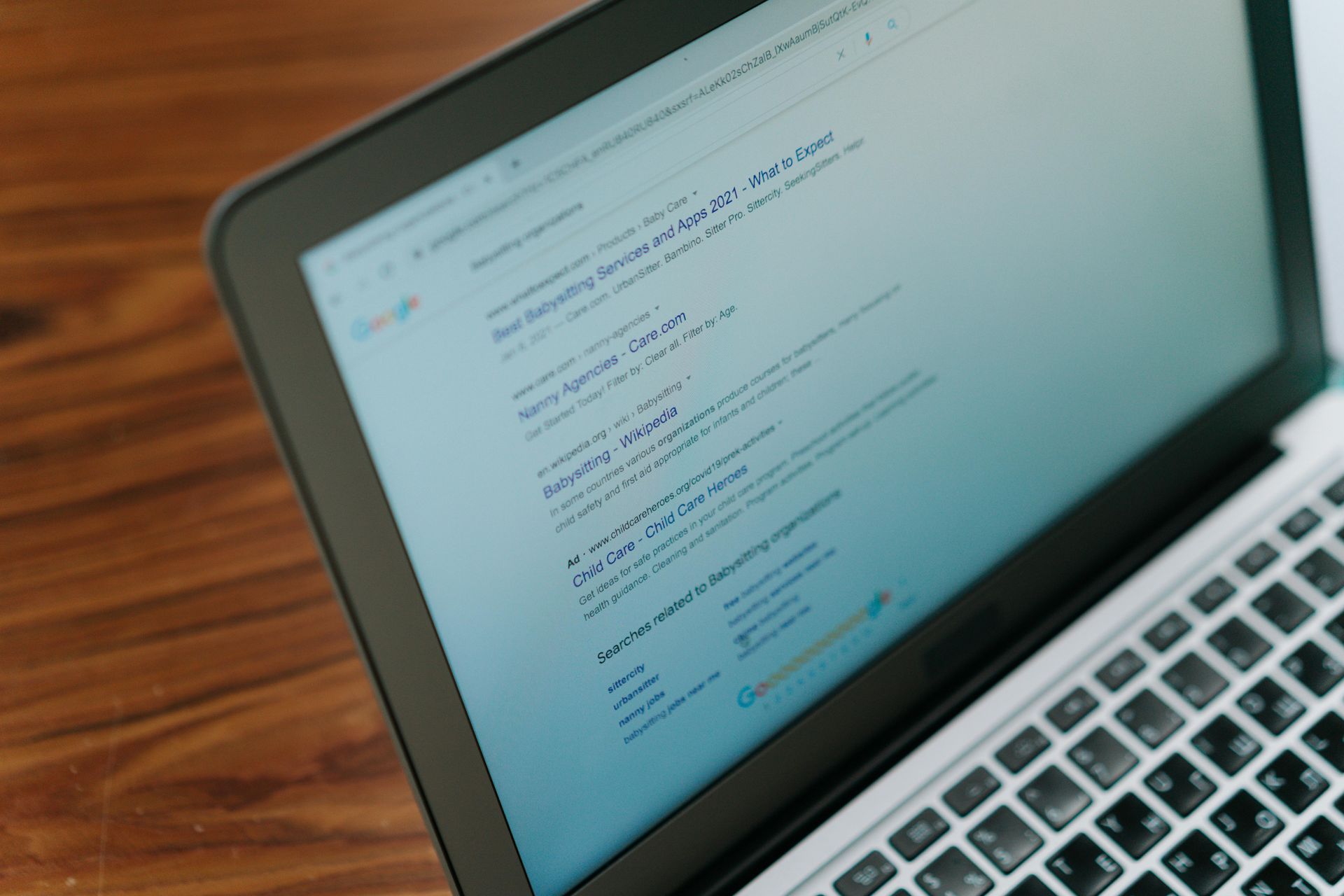
✅ Write a unique title tag and meta description for every page. Title tags are the clickable blue text in Google search results. Meta descriptions are the short preview below. Both should include your target keywords and give people a reason to click. Keep title tags under 60 characters and meta descriptions under 160.
✅ Use proper heading structure (H1, H2, H3). Every page should have one H1 (your main headline) and organized subheadings beneath it. This helps both visitors and search engines understand your content.
✅ Add alt text to all images. Alt text is a short description of each image that search engines can read. It helps your images appear in Google Image Search and improves accessibility. Keep it descriptive and natural — no keyword stuffing.
✅ Build internal links between your pages. Link your service pages to each other, link your blog posts to relevant service pages, and make sure your navigation is logical. Internal linking helps visitors explore your site and helps search engines understand how your content is organized.
✅ Get listed in online directories. Consistency matters. Make sure your business name, address, and phone number (NAP) are identical across Google, Yelp, Apple Maps, Bing Places, and any industry-specific directories. Inconsistencies confuse search engines and hurt your local rankings.
3. AEO: Getting Found by AI Tools
In 2026, a growing number of people are using AI-powered tools like ChatGPT, Gemini, Perplexity, and Apple Intelligence to find businesses and get recommendations — instead of (or in addition to) traditional search engines. Optimizing for these tools is called Answer Engine Optimization (AEO), and it's quickly becoming as important as traditional SEO.
✅ Write your web copy in a clear, question-and-answer format where possible. AI tools pull answers from websites that state things clearly and directly. Instead of vague marketing language, answer the actual questions your customers ask: "What does X cost?" "How long does it take?" "Do you serve X area?"
✅ Add a FAQ section to your key pages. FAQs are gold for AI optimization. They're formatted exactly the way AI tools search for information — a question followed by a direct, helpful answer. If you don't have FAQs on your website, add them.
✅ Use structured data markup (Schema). Schema markup is code added to your website that helps search engines and AI tools understand exactly what your business is, what you offer, your hours, your location, and more. Common types include LocalBusiness, Service, FAQPage, and Review schemas. Many website platforms make this easier with built-in tools.
✅ Make sure your "About" information is clear and consistent. AI tools pull business information from multiple sources — your website, your Google Business Profile, directories, and more. The more consistent and detailed your information is across all these places, the more likely AI tools are to recommend you accurately.
4. Google Business Profile: Your Most Important Free Tool
If you serve local customers, your Google Business Profile (GBP) is one of the highest-impact things you can optimize — and it's completely free. It's what shows up in Google Maps and the local results section when someone searches for businesses like yours.
✅ Claim and verify your Google Business Profile. Go to business.google.com and make sure you've claimed your listing. If it's not verified, Google won't show it prominently. Verification usually involves receiving a postcard, phone call, or email from Google.
✅ Complete every field in your profile. Business name, category, address (or service area), phone number, website, hours, description, and services. The more complete your profile, the better it performs. Don't leave fields blank.
✅ Choose the right primary category. Your primary business category is one of the most important ranking factors in local search. Choose the most specific category that describes your main service — not a broad one. You can add secondary categories too.
✅ Upload high-quality photos regularly. Businesses with photos on their GBP get significantly more direction requests and website clicks than those without. Add photos of your location, your work, your products, and your team. Update them regularly.
✅ Respond to every review — positive and negative. Reviews are a major local ranking factor, and how you respond to them matters. Thank customers for positive reviews. Address negative reviews professionally and constructively. Never ignore them.
✅ Post updates to your GBP regularly. Google Business Profile allows you to post updates, offers, and events — similar to a social media post. These keep your profile active and can improve your local visibility. Aim for at least one post per month.
✅ Keep your hours accurate, especially for holidays. Nothing frustrates a customer more than showing up to find you closed when Google said you'd be open. Update your hours for holidays, special events, and any seasonal changes.
5. Social Media: Consistent, Not Constant
You don't need to be everywhere on social media — but you do need to be somewhere, and you need to be consistent where you are.
✅ Pick one or two platforms and commit to them. Better to be active on one platform than scattered across five. Choose where your ideal customers spend time. For most local service businesses, that's Facebook and Instagram. For B2B, LinkedIn is often more valuable.
✅ Make sure your profile is complete and on-brand. Your profile photo, bio, and contact information should be consistent with your website and Google Business Profile. If someone lands on your Instagram from a Google search, it should be immediately clear what you do and how to reach you.
✅ Link to your website in your bio. This sounds obvious, but it's frequently missing. Your social profiles should always link back to your website — ideally directly to a relevant page or booking link.
✅ Post consistently, even if it's just once a week. Sporadic posting hurts your credibility. An account that posted three times in 2022 and nothing since signals to potential customers that the business may not be active. Consistency matters more than volume.
6. Your Digital Business Systems: Make It Easy to Do Business With You
Your online presence isn't just about being found — it's about making it easy for people to take action once they find you. That means your booking, payment, and communication systems need to be buttoned up.
✅ Make sure your booking or contact system works and is easy to use. Test it yourself. Submit a form, book an appointment, send a contact inquiry. How long does it take to get a response? Is the process confusing? If anything feels clunky, your customers are feeling that friction too.
✅ Ensure your website connects to your booking or scheduling software. If you use a booking tool like Calendly, Acuity, Square, or an industry-specific platform, it should be integrated directly into your website — not just a link in your bio. The fewer steps between "I want to book" and "I'm booked," the better.
✅ Check that your eCommerce or payment process is smooth. If you sell products or services online, walk through the entire checkout process. Look for anything that creates friction — complicated forms, unclear shipping information, limited payment options — and eliminate it.
✅ Make sure your website reflects your current offerings. Outdated menus, discontinued products, or services you no longer offer can confuse customers and create customer service headaches. Do a quarterly audit of your website content to make sure it's accurate.
Conclusion: Start With One Section, Then Build
Optimizing your online presence isn't a one-time project — it's an ongoing process. But you don't have to tackle everything at once. Pick the section where you know you're weakest and start there. Fix your Google Business Profile. Improve your homepage copy. Add a FAQ section to your website. Each improvement compounds over time.
The businesses that show up consistently online — in search results, on Google Maps, in AI recommendations — aren't necessarily the biggest or the best-funded. They're the ones that have put in the work to make sure their digital presence accurately reflects what they offer and makes it easy for customers to reach them.
If you're not sure where to start, or if your website needs a more significant overhaul than a checklist can fix, we're here to help. At Divscape, we build high-performance custom websites for small businesses that are optimized for search, AI tools, accessibility, and conversion from the ground up — and we'll review your entire online presence to make sure everything works together.
No pressure, no commitment. Just a conversation about your business and what's possible.
Recent Posts